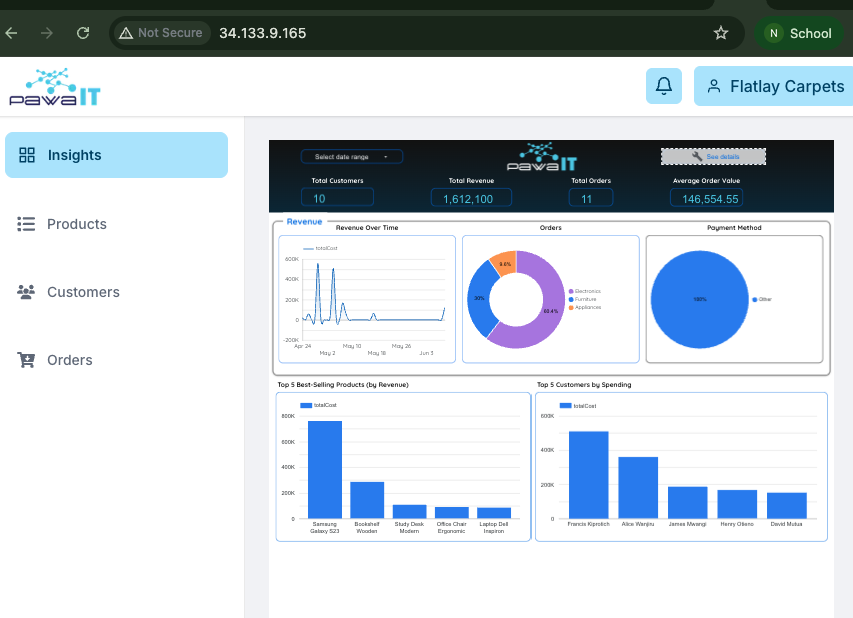
Accessing your Migrated Application
The final step of the migration is to use your VM instance's external IP address to confirm that the application is up
Identify Your New IP Address
First, confirm the public IP address of your newly created VM.
- Navigate to the Compute Engine > VM Instances page in the Google Cloud Console.
- Locate your VM (
pawait-vm-gcp-final). - Copy the value from the External IP column. This is your new server address.
You can paste it on a new tab on a browser of your choice